Sync from Figma
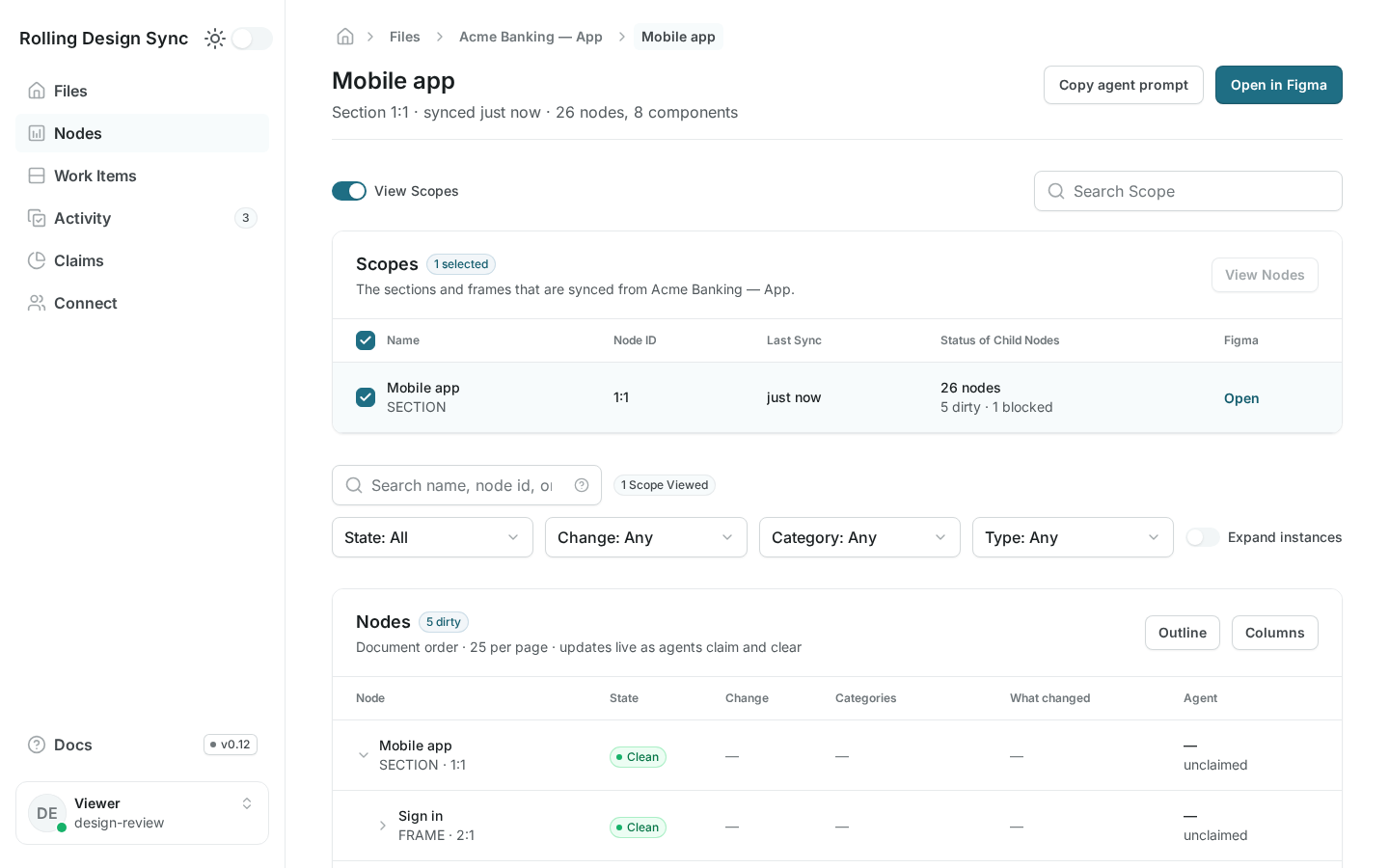
The plugin records each node’s normalized design state. Only real changes mark a node as not yet built.
Rolling Design Sync tracks, node by node, which design changes are built and which aren't, so your coding agent works only on what's left and knows when it's done.
The problem
Designs keep changing after the build: a padding tweak, a new state, a renamed variant. Agents start cold every time. They re-scan the whole frame, get the big structure right, and quietly miss or approximate the details. You end up spelling out every change in your prompts, and the agent burns tokens and Figma API calls re-scanning the whole node tree.
How it works
The plugin uploads a snapshot of your design. The server tracks what changed, who's working on it, and what's done. Your agents build only what changed, and each change is claimed by one agent at a time.
The plugin records each node’s normalized design state. Only real changes mark a node as not yet built.
Claim work by component or frame through MCP or the CLI. Leases keep two agents off the same nodes.
An agent marks a node built against the exact design it read. If the design changed while it worked, the mark is rejected and the node stays in the queue.
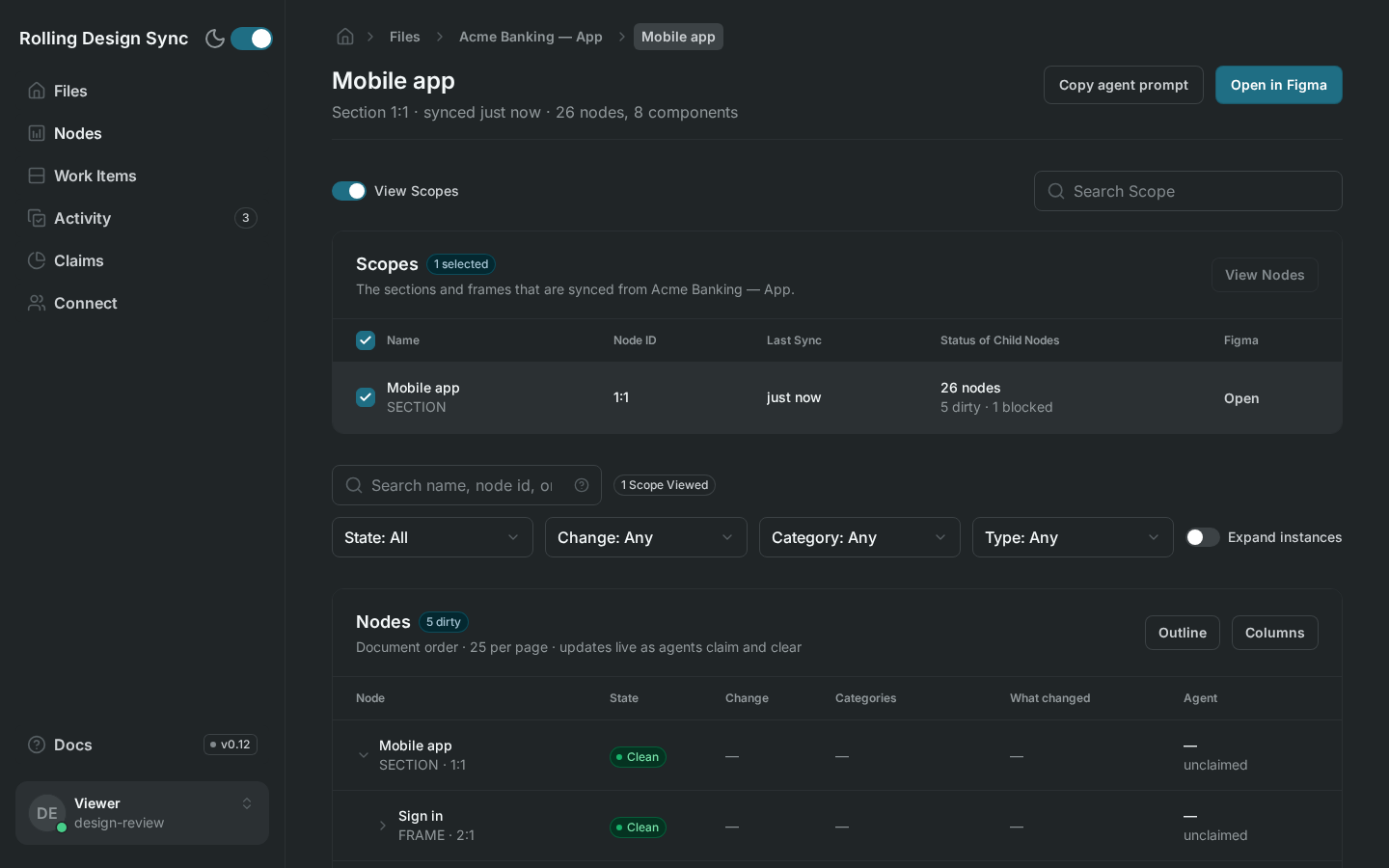
The portal shows the queue, claims, and each node’s change history as agents work.
Instances point to their component and only record their own overrides, so a button edit shows up once, on the Button. Work groups by component set, so agents build the system first.
No Dev Mode needed. The plugin, MCP server, CLI and portal are Apache-2.0, and the API is free to self-host on your own Postgres.
Skip the servers: a managed, MCP-ready Rolling Design Sync for solo founders and small teams. Join the waitlist for early access.
Check your inbox to confirm your subscription. We’ll email you when the hosted version is ready.